Magnus Pro V3.0: A Complete Introduction to the MT4 Technical Indicator
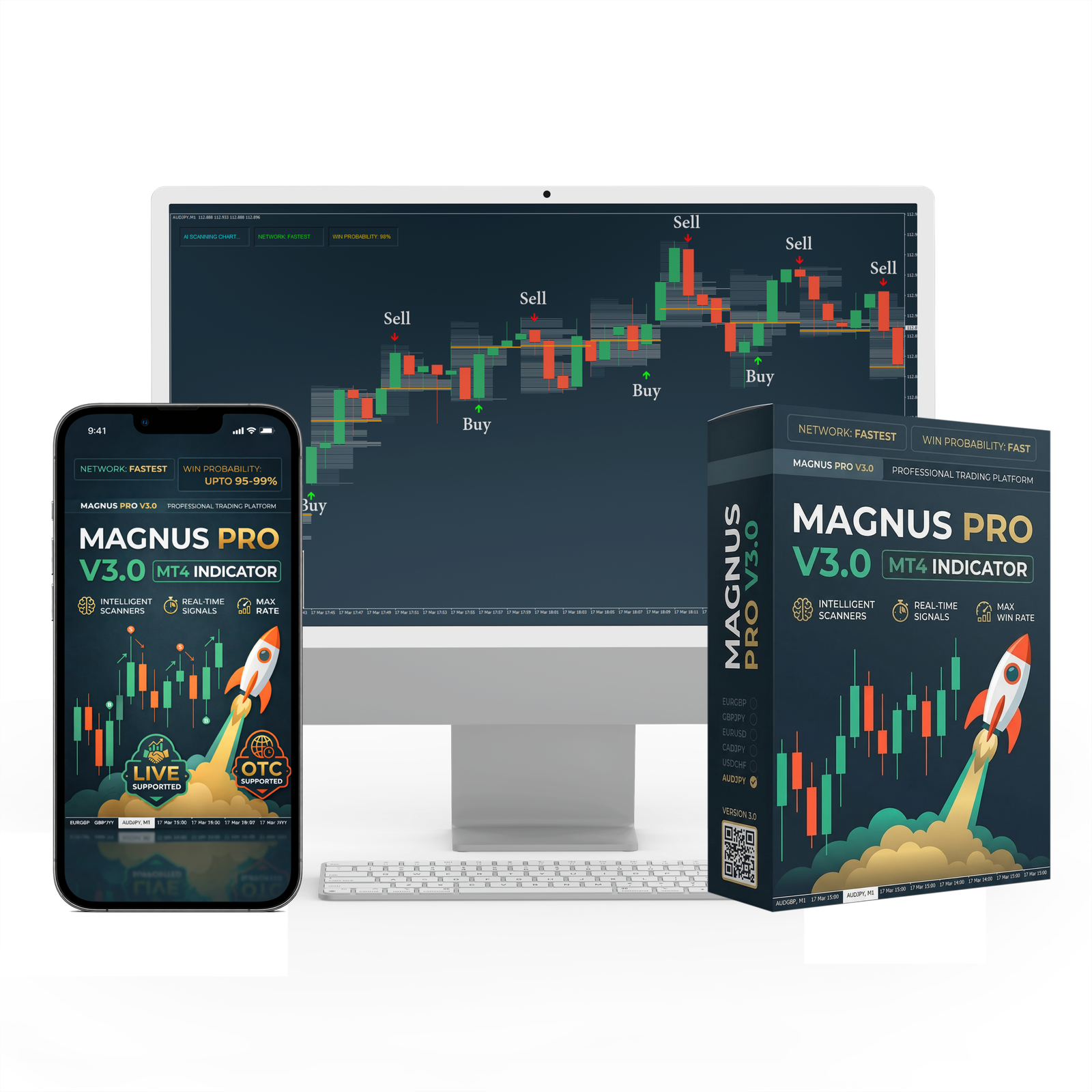
Technical analysis plays an important role in understanding financial market movements. Traders use chart indicators to study price behaviour, observe market conditions and organize their trading decisions. Magnus Pro V3.0 is a technical indicator designed for the MetaTrader 4 (MT4) platform.
What Is Magnus Pro V3.0?
Magnus Pro V3.0 is a software-based technical indicator developed for use with MetaTrader 4. It provides visual chart-based information to help users study market movements through a structured interface.
The indicator is intended as a technical analysis tool. It should be used alongside independent market research, practical learning and appropriate risk management.
Key Features of Magnus Pro V3.0
MT4 Compatibility
Designed for use with the MetaTrader 4 trading platform.
Visual Chart Interface
Displays indicator information directly on the trading chart.
Technical Analysis Support
Helps users observe potential market conditions and chart setups.
User-Friendly Presentation
Organizes visual information in an accessible interface.
How to Get Started
If you are new to Magnus Pro V3.0, follow these basic steps to understand the setup process.
Install MetaTrader 4: Make sure MT4 is installed and running on your computer.
Obtain the Indicator: Visit the official Magnus Pro website for product information and access.
Follow Installation Instructions: Use the supplied installation guide to add the indicator to MT4.
Study the Interface: Attach the indicator to a supported chart and understand its visual elements.
Practice Carefully: Familiarize yourself with the tool in a demo environment before considering live trading.
Important: A technical indicator is an analytical tool, not a substitute for trading knowledge, independent judgment or risk management.
Who Can Use Magnus Pro V3.0?
Magnus Pro V3.0 may be useful for traders who already use MetaTrader 4 and want an additional technical tool for studying chart movements.
Beginners should first understand basic chart reading, trading terminology and risk management before relying on any technical indicator.
Frequently Asked Questions
Which platform is Magnus Pro V3.0 designed for?
Magnus Pro V3.0 is designed for the MetaTrader 4 (MT4) platform.
Does Magnus Pro guarantee trading profits?
No. No technical indicator can guarantee profits or predict market movements with certainty.
Where can I find official product information?
You can visit the official Magnus Pro website for product details and available support information.
Final Thoughts
Magnus Pro V3.0 is designed to bring technical chart information into a convenient MT4 interface. Like all technical indicators, it should be treated as an analytical aid rather than a guarantee of market direction or results.
Explore Magnus Pro V3.0
Visit the official website to learn more about the indicator, its features and product access.
Trading financial instruments, including binary options and forex, involves substantial risk and may not be suitable for everyone. Technical indicators cannot guarantee profits or predict market movements with certainty. Always understand the risks before trading.